
Room mockups
Living Room Wall Art Mockup Generator
Show home decorators refreshing main gathering spaces exactly how your print looks in a living room. Mockart ships photoreal living room mockups from a library of 213+ templates — plus motion clips and reels sized for landscape or 4:5 for Instagram carousels.
Export formats: Square (Etsy), 4:5 (Instagram), landscape (wide sofa walls)
213+ matching templates in Mockart
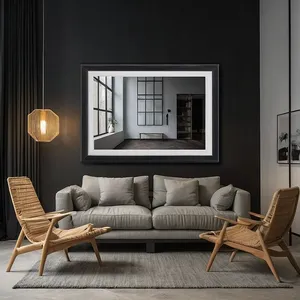
How to create living room wall art mockup in Mockart
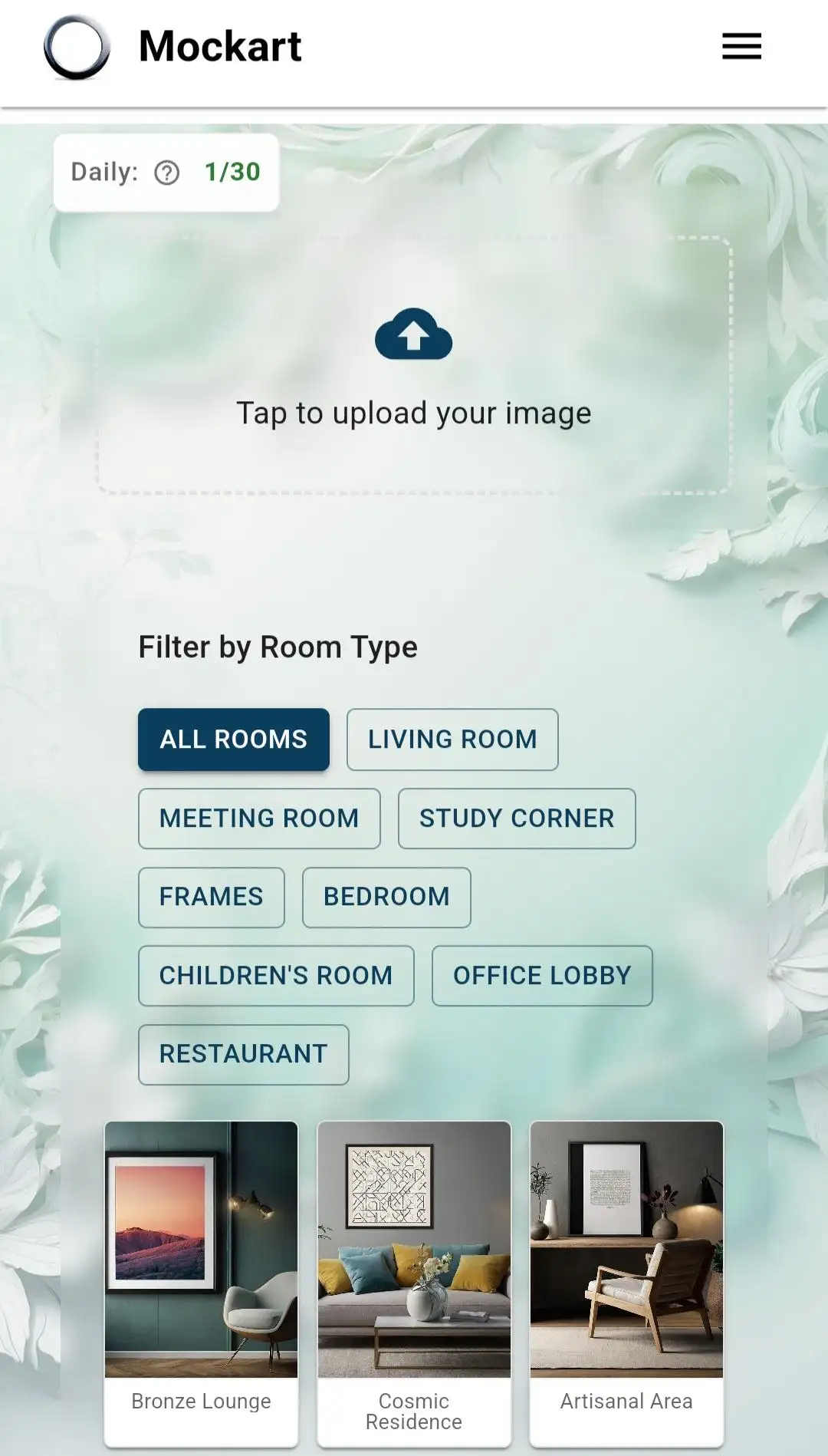
- Step 1: Upload your artwork
Open Mockart Studio, upload your finished living room print (JPEG or PNG, 1200×1200 minimum). Log in for 30 free generations per day.
- Step 2: Filter living room rooms
Use room search or mood chips to surface living room templates. Pick a hero angle that matches how buyers imagine the piece in their home.
- Step 3: Composite and adjust
Mockart places your art in the frame automatically. Tweak mat color, scale, and crop until the listing thumbnail reads clearly on mobile.
- Step 4: Export listing formats
Download square, 3:4, and landscape PNGs in one session — sized for Etsy thumbnails, Pinterest pins, and Instagram carousels without re-exporting.
- Step 5: Add motion for social
Turn your best living room mockup into a 9:16 Auto Reel, add music in CapCut, and post to Instagram or TikTok to drive shop traffic.
Why living room mockups convert
Wide sofa-wall shots outperform tight crops for living room listings. Buyers searching for living room wall art need in-room context before they purchase. Flat artwork scans lose scale and mood. A living room mockup places your piece at realistic height, lighting, and proportion so shoppers imagine it in their own space.
Best art styles for living room spaces
Top-performing styles in living room mockups include abstract color fields, landscape panoramas, gallery-wall sets. Upload once in Mockart, filter rooms by mood chips, and batch-export PNGs in landscape or 4:5 for Instagram carousels. Swap templates in seconds without reopening Photoshop.
From mockup to reel in one session
Static mockups win Etsy clicks; video wins Instagram reach. After you lock a living room template, open Auto Reel for a 9:16 clip with Ken Burns motion. Export MP4, drop into CapCut for music and captions, and post — mockup, listing, and promo from a single artwork upload.
Etsy listing checklist for living room art
Lead with a wide sofa-wall mockup as image 1. Image 2: closer crop showing frame detail. Image 3: size context or gallery-wall set. Tag with living room, wall art, and your style (boho, abstract, etc.). Mockart exports each ratio from one upload — no Photoshop batch actions.
Mockart vs static mockup tools
Placeit and Canva offer living room scenes, but you re-import art for every format and motion clip. Mockart keeps mockups, reels, and CapCut-ready MP4 in one studio — built for artists who publish weekly, not one-off listings.
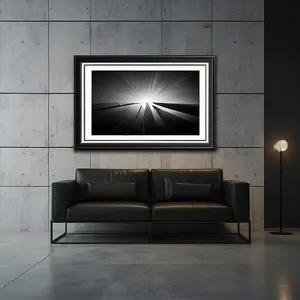
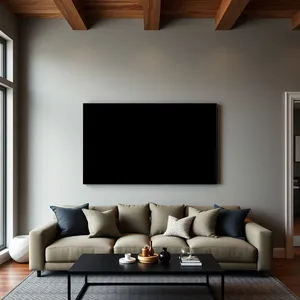
Example mockup styles
.webp)
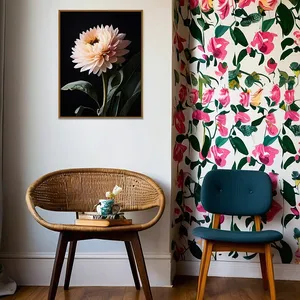
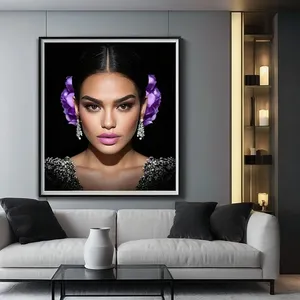
Frequently asked questions
How many living room mockup templates does Mockart include?
Mockart offers 213+ living room-style room templates, with new rooms added weekly. Filter by mood, category, or search to batch similar listings.
What export size works best for living room listings?
For most living room use cases, use landscape or 4:5 for Instagram carousels. Mockart exports high-resolution PNG and MP4 files ready for Etsy, Instagram, and TikTok.
Can I use these mockups on Etsy commercially?
Yes — mockups containing your original artwork are yours to use in shop listings and marketing. Room templates are licensed through Mockart.
What size should living room mockups be for Etsy?
Etsy recommends 2000px on the shortest side. Export square for thumbnails and 3:4 for mobile search — Mockart handles both from the same living room template.