Use cases
CapCut Art Workflow
Mockart is built for CapCut workflows: Mockart MP4 → CapCut music and captions → publish. Art-native clips cut CapCut prep from hours to minutes.
Export formats: 9:16 MP4 (CapCut), square PNG (cover), 3:4 (Pinterest)
How to create capcut art workflow in Mockart
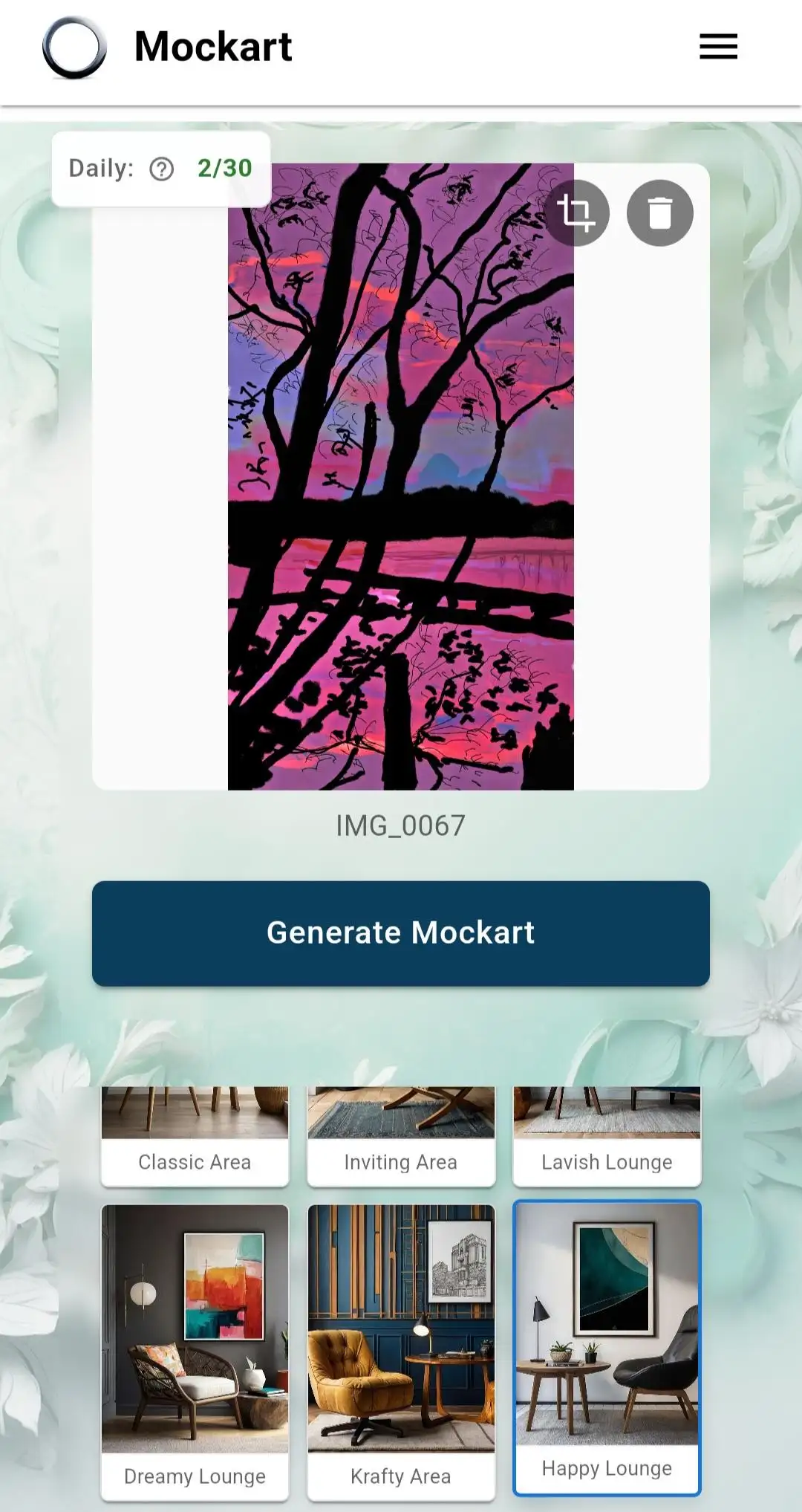
- Step 1: Create mockup clip in Mockart
Upload art, pick a room, open Auto Reel or motion effect — export 9:16 MP4.
- Step 2: Import to CapCut
New project → 9:16 → import Mockart MP4 as the first clip.
- Step 3: Add audio and captions
Trending audio + 1-line hook (“New print in my shop”) — CapCut handles transitions.
- Step 4: Export and link shop
Post to TikTok/Reels with Etsy link in bio or caption. Track which room style gets saves.
The CapCut workflow problem
Artists on CapCut lose hours switching between mockup tools, video editors, and export utilities. Each tool re-imports the same artwork. Mockart collapses Mockart MP4 → CapCut music and captions → publish into one upload — room mockups, motion, and CapCut-ready MP4 in minutes.
What you export
High-resolution PNG mockups for listings, 9:16 MP4 reels for vertical platforms, square crops for Pinterest, and sticker PNGs with background removal. Formats map to how buyers actually discover art in 2026.
Scale without burnout
Art-native clips cut CapCut prep from hours to minutes. Batch room swaps, listing pack export, and daily free generations (30 logged-in) let you test channels before upgrading to Pro for watermark-free unlimited output.
Why Mockart + CapCut beats editing from scratch
CapCut is great at polish, not at generating art-native mockup motion. Mockart outputs clips sized for vertical feed — you add music and text in under 3 minutes.
Clip types that perform
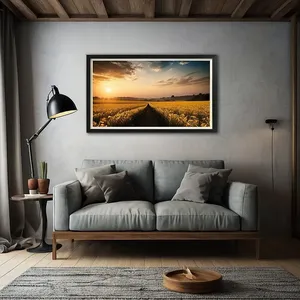
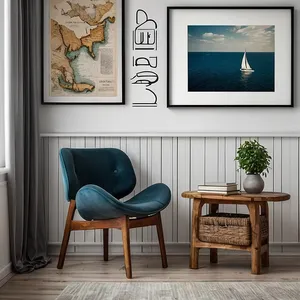
Ken Burns on living room mockups, quick room swaps (same art, 3 rooms in 15 sec), before/after flat scan → mockup reveal. All exportable from one Mockart session.
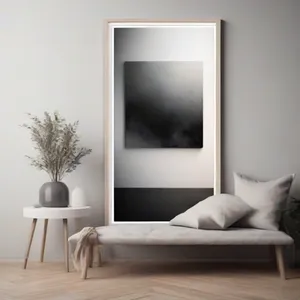
Example mockup styles


Frequently asked questions
Is Mockart designed for CapCut?
Yes. Mockart exports are sized and formatted for CapCut workflows — Mockart MP4 → CapCut music and captions → publish.
Do I still need CapCut or a video editor?
Mockart creates the art-native clips. CapCut adds music, captions, and transitions in 2–3 minutes. You keep creative control without building clips from scratch.
What resolution should I export for CapCut?
1080×1920 (9:16) MP4 from Mockart maps cleanly to CapCut vertical projects without re-scaling artifacts.